
The new FRITZ!Box 7530 AX routers have arrived
With the new Wi-Fi 6 technology they offer the latest generation wireless transmission 🚀 for your internet equipment 👾🤖📱
Ask for this new model with any Fiber connection at Visual Online! 🍬⚡️
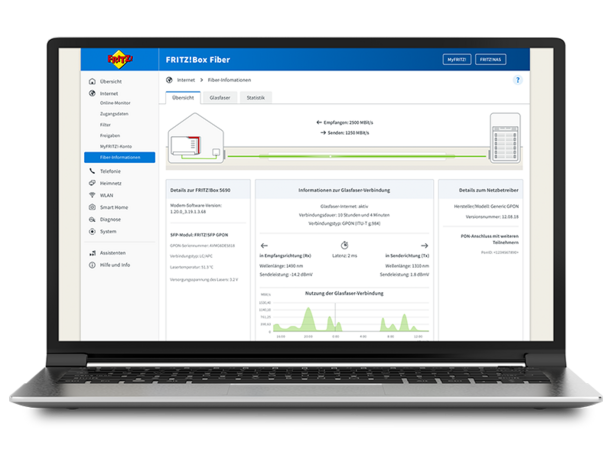
Fritz!Box 5590 Fiber and 5530 Fiber get a new fiber optics overview for more transparency for stable and fast fiber connections. Here you'll find important information about your connection, speed, connection type and connection quality.
The popular FRITZ!Box 7590 AX and 7530 AX models also receive new features for fiber optic connections. For example, when switching from DSL to fiber, the setup is particularly easy with more assistance for a smooth initial installation from various providers. In addition, the speed of the connection between LAN 1/WAN and the fiber optic modem is displayed on the overview page.
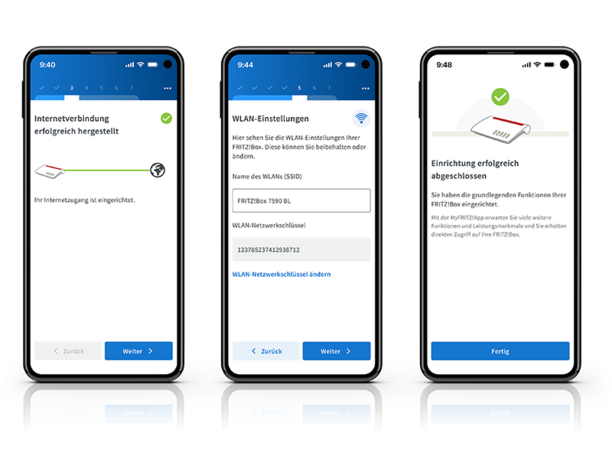
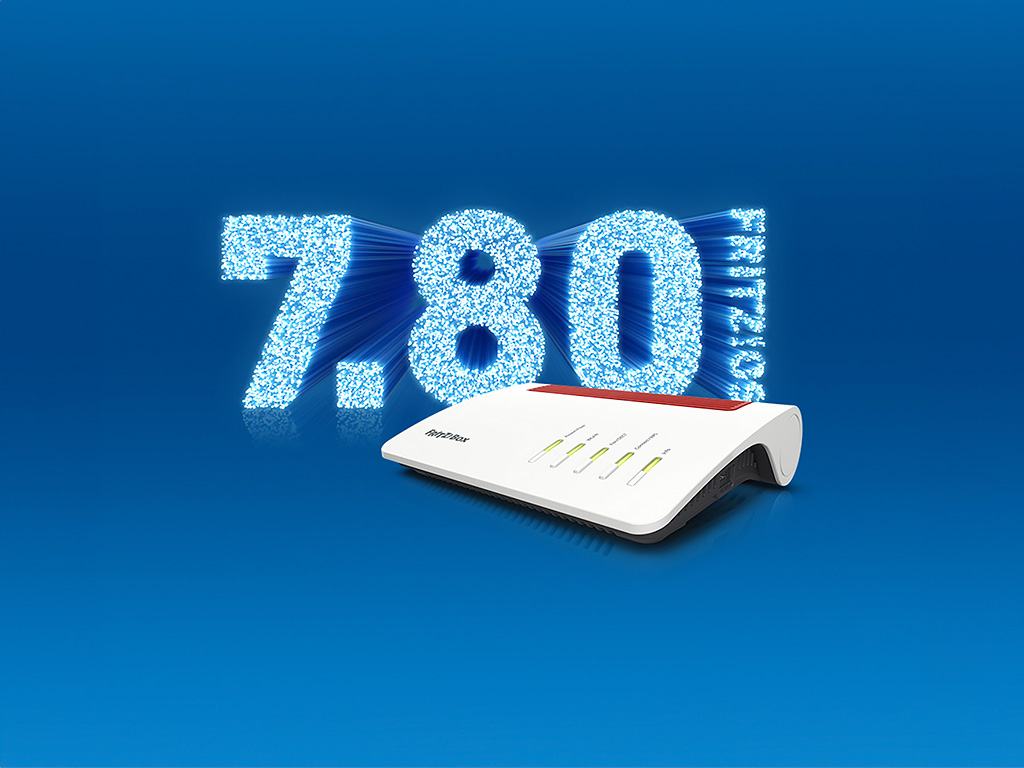
With FRITZ!OS 7.80, the four FRITZ!Box models will be ready for the MyFRITZ!App First Configuration wizard, which will soon be available for iOS and Android. The wizard allows you to set up a new FRITZ!Box on a fiber optic or DSL connection quickly and conveniently using your smartphone or tablet.
In addition, FRITZ!OS 7.80 includes a number of detail and stability improvements. More information about the new features in FRITZ!OS 7.80 can be found in the detailed release notes.
From the FRITZ!Box user interface (http://fritz.box), you can start the search for the update to FRITZ!OS 7.80 (System > Update > Find new FRITZ!OS) or use the handy automatic updates.
The new FRITZ!OS is available for these four popular FRITZ!Box models:
With the new Wi-Fi 6 technology they offer the latest generation wireless transmission 🚀 for your internet equipment 👾🤖📱
Ask for this new model with any Fiber connection at Visual Online! 🍬⚡️
Learn how to migrate email hosting with less risk, shorter downtime and a clear plan for users, data, DNS, testing and final cutover.
Catch up on the best programmes with the replay function and find the complete schedule of M6 and W9 channels with time-shifting, recordings, and pause and play.

