
Email fraud
Phishing attack against Visual Online's e-mail users (vo.lu). Visual Online calls on its customers to be vigilant following a phishing attack.
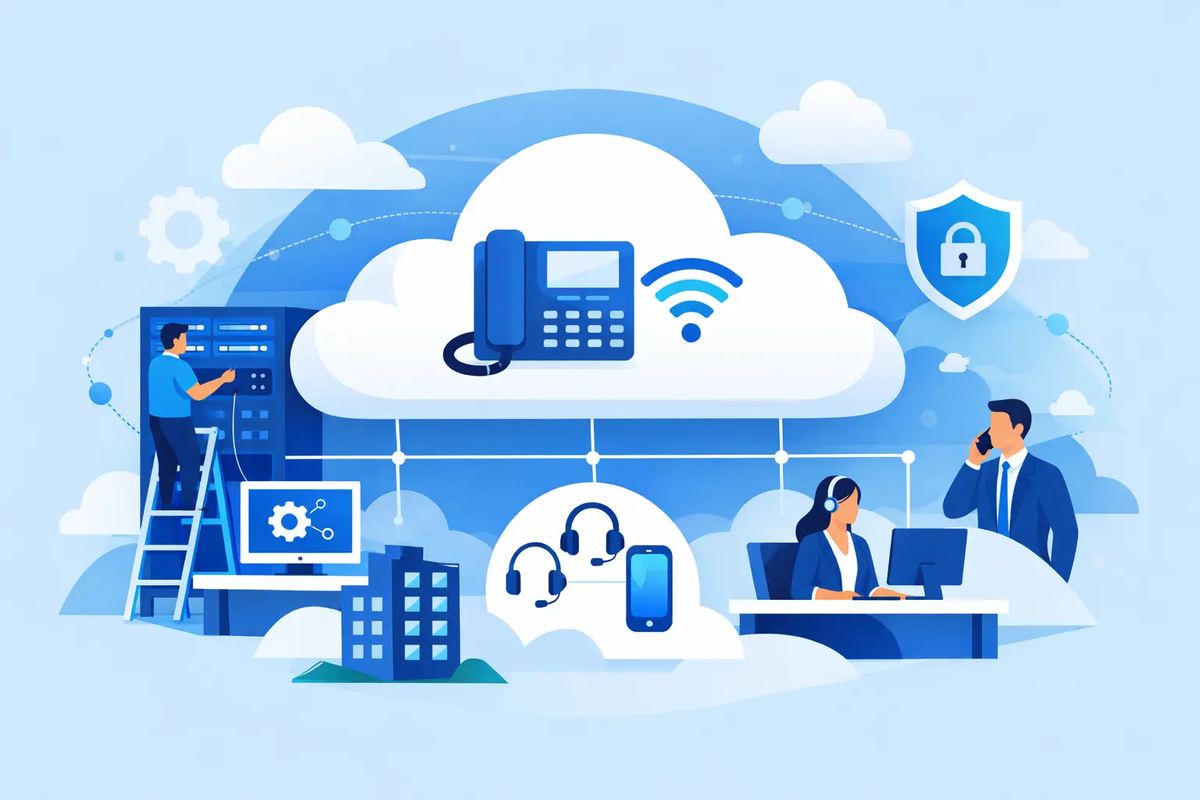
Missed calls rarely look dramatic at first. One ring that never reaches the right person, a voicemail no one checks, a sales call landing on a busy line - and suddenly your phone system is costing more than it saves. That is usually the moment businesses start asking how to set up cloud PBX in a way that actually fits how they work.
A cloud PBX moves your business phone system from on-site hardware into a hosted environment. That sounds simple enough, but the setup still matters. Get the structure right and your team can answer faster, work from anywhere and manage calls without wrestling with old equipment. Get it wrong and you end up with confusing menus, poor call handling and staff using mobile phones as a workaround.
The best setup starts before any handset is plugged in. You need a clear picture of how calls move through your business today and how they should move tomorrow. A five-person office and a multi-site company can both use cloud PBX, but the design will not be the same.
Start with the basics. How many users need a direct extension? Which teams need shared numbers? Do you want desk phones, softphones on laptops, mobile apps, or a mix of all three? If your staff split time between office, home and client sites, flexibility matters more than copying the layout of an old PBX.
It also helps to map call types. Sales calls often need speed and availability. Support calls may need queues, recorded greetings and clear escalation paths. Management may want direct dial numbers and voicemail sent to email. The more precisely you define these requirements at the start, the less rework you face later.
Cloud telephony depends on a stable internet connection. Not just fast on paper, but consistent under real working conditions. Dropped packets, jitter and congestion can affect call quality even when broadband speeds look acceptable.
Before deployment, test your connection during normal business hours. If your team uses video calls, cloud software and large file transfers at the same time, measure performance when all of that is happening. Voice traffic does not need massive bandwidth, but it does need priority.
This is where network setup becomes important. Quality of Service settings can help prioritise voice traffic over less time-sensitive activity. In some offices, the current router or firewall handles this well. In others, it needs adjusting. If your phones are going to sit on the same network as every laptop, printer and guest device, make sure the network can cope cleanly.
Once connectivity is in order, design the structure people will actually call. This includes your main business number, direct numbers for users or departments, ring groups, queues and opening hours.
Many businesses keep their existing numbers when moving to cloud PBX. That is often the right decision because continuity matters. But it is also a good time to review whether your current numbering still makes sense. If clients always ask for a department rather than a person, a department-based structure may be more efficient than assigning everyone a visible direct line.
Think carefully about your incoming call flow. A simple menu can help callers reach the right team quickly. Too many options, though, slows everything down and frustrates people. In practice, most businesses need fewer menu layers than they think.
Opening hours, holiday routing and failover rules should also be built in from the start. If no one answers reception, where does the call go next? If the office closes early, can callers still reach an urgent line or leave a message that reaches the right person? Good telephony setup is not just about normal operation. It is about what happens when the first choice does not answer.
Now set up the people behind the system. Each user should have the right extension, voicemail, caller ID and device profile for their role.
This is where cloud PBX gives you more control than a traditional phone system. A receptionist may need visibility across multiple lines. A field engineer may only need an app on a mobile and a voicemail-to-email feature. A finance manager may need specific inbound routing but limited admin rights. Not everyone needs the same configuration, and treating every user identically usually creates clutter.
Device choice matters too. Desk phones still make sense for front desks, shared offices and users who spend all day on calls. Softphones are often the better choice for hybrid teams, especially where staff need to move between locations. Many businesses end up using both.
Permissions deserve more attention than they usually get. Decide who can change call routing, add users, access recordings or view analytics. Too much access creates risk. Too little can slow down small operational changes. The right balance depends on whether your business prefers central administration or more autonomy within departments.
This is the stage where your system starts feeling useful rather than theoretical. Voicemail, call forwarding, hunt groups, call recording, business hours and music on hold all sit here. These are not decorative extras. They shape the daily experience for both staff and callers.
Voicemail should be easy to retrieve and hard to ignore. For many teams, voicemail to email works better than relying on someone to dial in and listen manually. Hunt groups need a sensible order and timeout. If phones ring too long before moving on, callers wait unnecessarily. If they ring too briefly, staff miss calls they could have answered.
Call recording is another example where it depends. For training, dispute resolution or compliance, it can be valuable. But it also raises privacy and retention questions, so policies should be clear before switching it on.
Auto-attendants need especially careful wording. Keep the greeting short, professional and plain. Callers want direction, not a performance. The same applies to hold messages. Useful information is better than filler.
A cloud PBX should never go live based on assumption alone. Test internal calls, inbound calls, outbound caller ID, voicemail, transfers, ring groups and failover behaviour. Then test again from outside the office using mobile networks and different numbers.
It helps to run through real scenarios. What happens when reception is busy? What happens when a user is already on a call? What happens outside office hours, or if someone works remotely on a home connection? These details matter because they reflect actual business use, not ideal conditions.
User testing is just as important as technical testing. Staff should know how to answer, transfer, park and return calls before launch day. If the system is technically sound but your team is uncertain, callers will feel that immediately.
Most cloud PBX issues come from poor planning rather than poor technology. The first mistake is copying the old phone system exactly as it was, even if it never worked particularly well. Moving to the cloud is a chance to simplify.
The second is underestimating the network. Voice quality problems are often blamed on the phone service when the local network is the real issue. A proper check early on saves frustration later.
The third is making the call flow too clever. Businesses sometimes build menus and routing rules that look efficient on a diagram but confuse staff and callers in practice. Clear beats complicated almost every time.
Another common problem is skipping training. Even a straightforward system needs a short introduction. People need to know what each feature does, what their status settings mean and how calls move if they do not answer.
Some businesses can handle most of the setup internally, especially if they have in-house IT and a simple structure. Others benefit from a provider that can guide the design, prepare devices and troubleshoot the network as part of the rollout.
That support matters more when multiple locations, number porting, call queues or mixed device environments are involved. It also matters if your business cannot afford a messy cutover. A phone system is not a background tool. It is a front door.
For companies in Luxembourg that want local accountability as well as technical control, working with a provider such as Visual Online can make the process more straightforward. When the same team understands the connectivity, the telephony layer and the customer setup, problems get solved with less back-and-forth.
The setup is not finished the day calls start working. Review call reports after launch. Look at missed calls, queue times, unanswered extensions and busy periods. You may find that one department needs a different ring strategy, or that a menu option no one uses should be removed.
Cloud PBX works best when it reflects the real shape of your business. As teams grow, roles change and working patterns shift, your call handling should shift too. That is one of the main advantages of a hosted system - you can adapt without replacing a box on the wall.
If you approach the project with a clear plan, realistic testing and the right support, cloud PBX becomes more than a telephony upgrade. It becomes a simpler, smarter way to make sure every call has somewhere useful to go.
The best phone systems are the ones your customers never have to think about - because each call reaches the right person without friction.
Phishing attack against Visual Online's e-mail users (vo.lu). Visual Online calls on its customers to be vigilant following a phishing attack.
Learn how to switch internet provider without losing service. Compare speeds, fees, timing and equipment before you move with confidence.
What causes packet loss at home or work? Learn how Wi-Fi, cabling, congestion and faulty equipment disrupt calls, gaming, streaming and cloud work sessions.

